






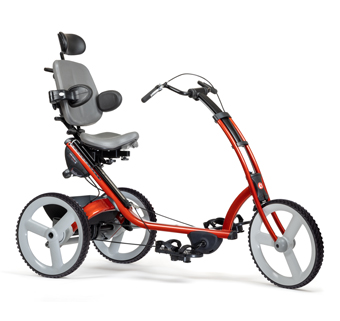
Adaptive Tricycle
Adapted for kids and teens with physical limitations, these trikes help improve leg strength and reciprocal movement while having fun. What could be better than biking around the block with peers?
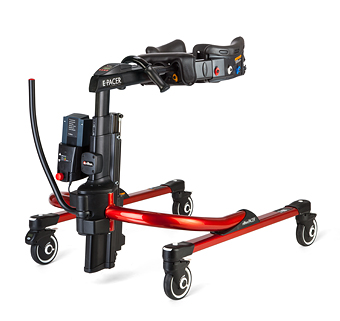
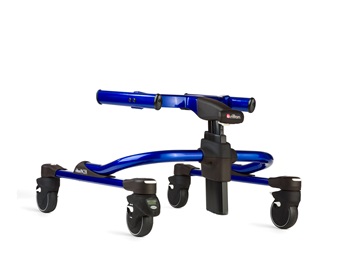
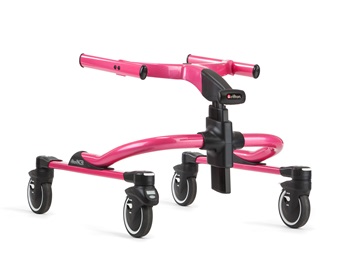
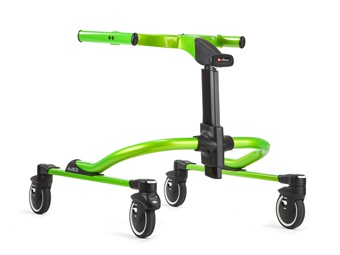
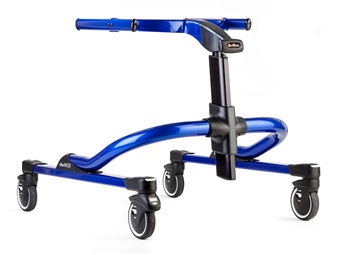
Gait training has come a long way since we introduced our first model in the 1980s, and our Pacer gait trainer continues to evolve to meet our customers’ needs. Over the years, your suggestions have helped us keep our design at the cutting edge for users who need a gait trainer walker or pacer walker.
Download the Pacer brochure.
Download the Pacer positioning checklist.

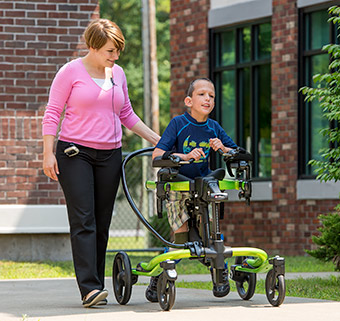
Walking is complex. When we talk about dynamic gait training we refer to the often unobserved but significant shifts of body and weight that occur in typical gait patterns. In the therapy community, there is a growing consensus that a well-positioned pelvis in combination with dynamic movement is critical to successful outcomes. A specialized gait trainer, like the dynamic Pacer gait trainer, helps achieve this positioning and provides the weight bearing and weight shifting needed for a more natural gait pattern and easier stepping.
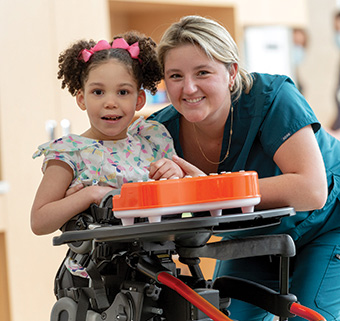
The Pacer, because it can be configured in so many ways, can accommodate clients of every ability, in any environment. Everything about the Pacer encourages progress so nothing stands between users and the places they want to go. It is the versatility and dependability you have come to expect from Rifton in a gait trainer for adults and children.
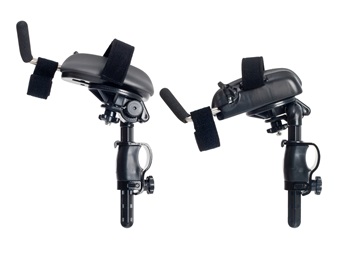
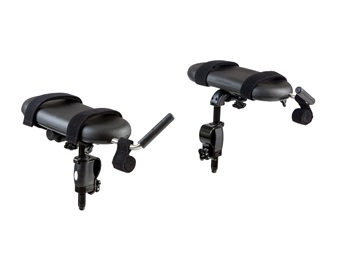
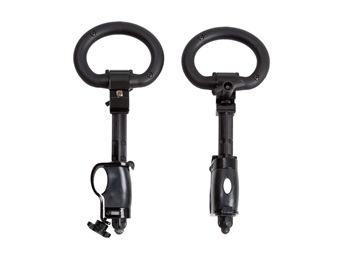
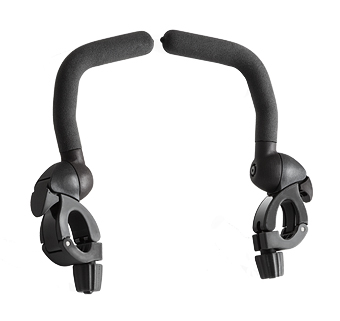
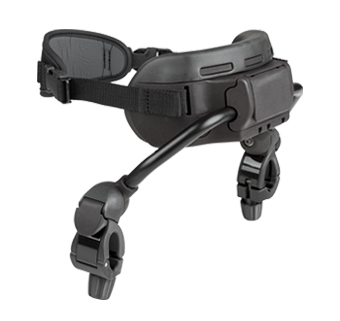
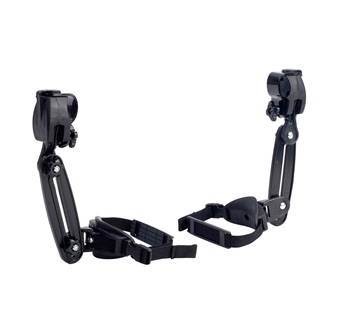
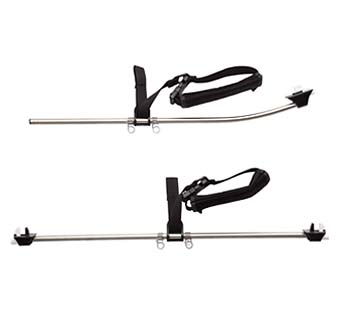
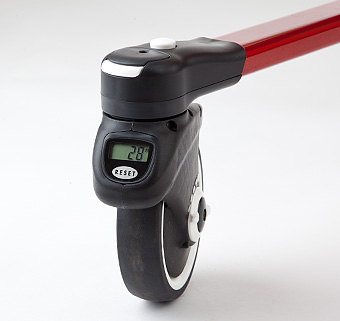
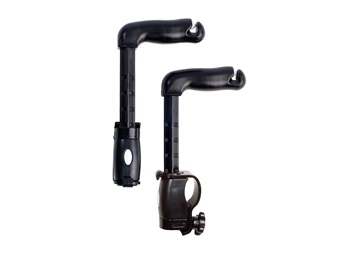
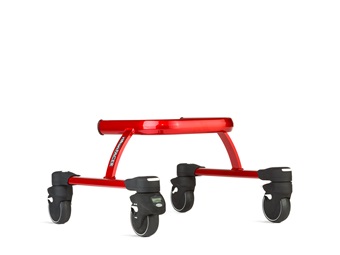
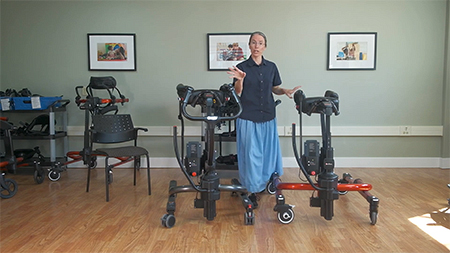
The Pacer is easily configured to meet your client’s every need. Choose between dynamic and standard upper frames and pair them with standard or utility bases. Anterior or posterior gait trainer setups are both supported.
The Pacer gait trainer is designed to meet a wide range of mobility needs across therapy, education, and home environments.
Use the slides below to learn more about the features that make the Pacer gait trainer the most versatile, adaptable, and durable patient mobility aid on the market today.
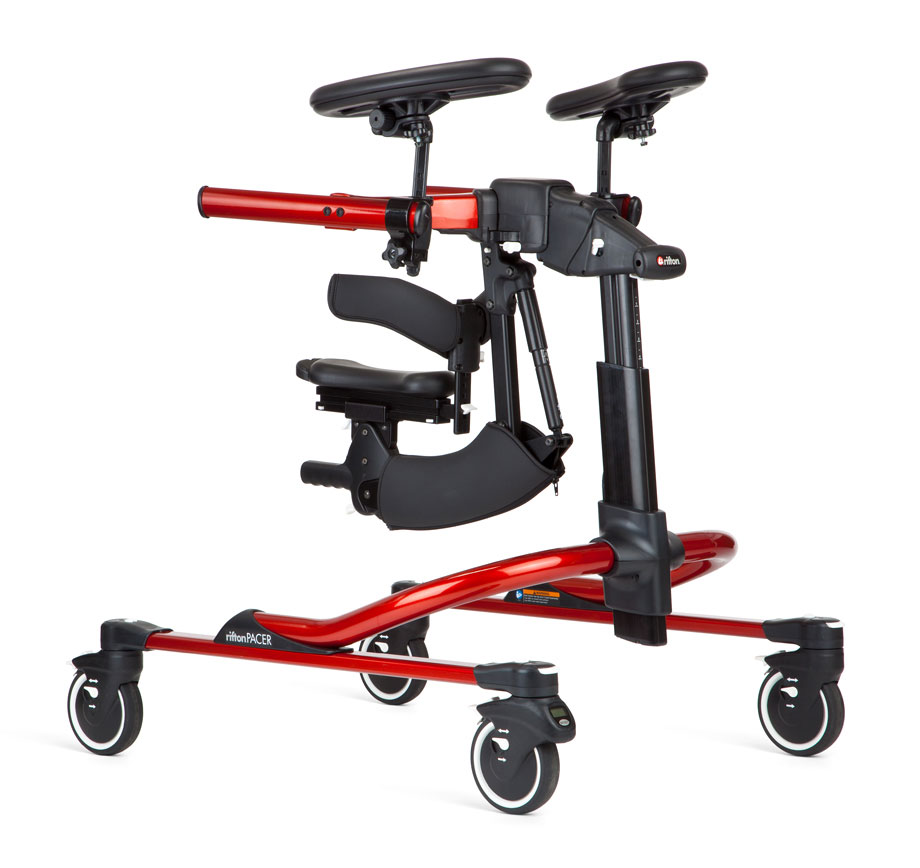
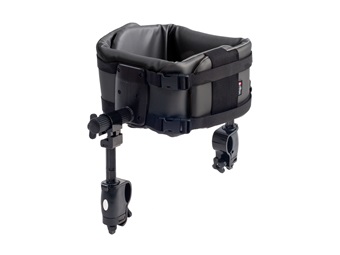
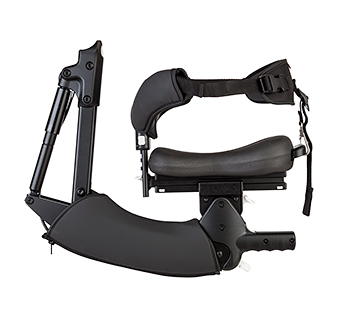
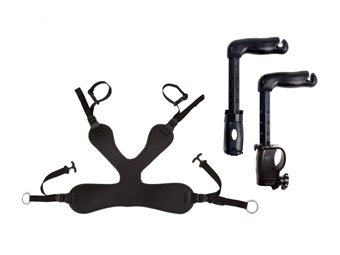
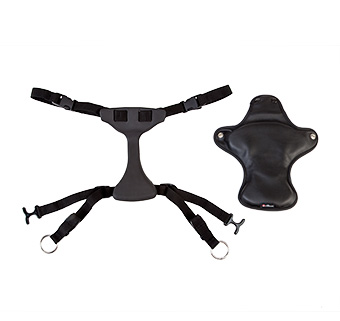
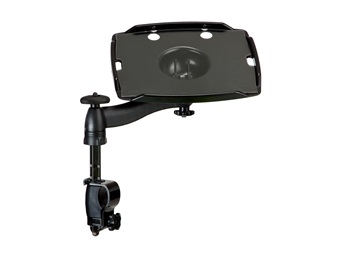
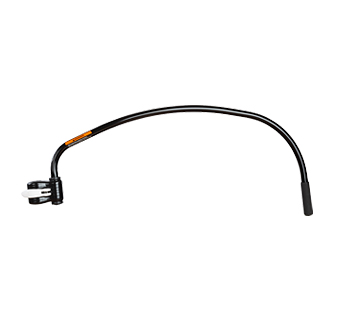
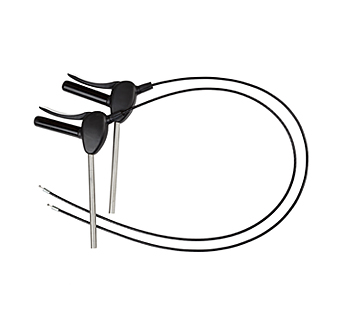
Our gait trainers are used to assist clients with a multitude of motor limitations. Each client needs support customized to their particular needs. With these components, you can configure your Pacer gait trainer to your precise requirements, including anterior or posterior gait trainer use and adult or pediatric sizing.
Important: User’s weight must not exceed the maximum working load.

Measure the vertical distance from the bent elbow to the floor while the user is standing upright. This guides selection of a gait trainer for adults or children and helps you choose between frames and bases.
Learn more about the Pacer gait trainer using the resources below.

Downloads

Request a Free Catalog
Sign up for our newsletter